
Lockii
Lockii
Docs
  • Docs
  • Changelog
  • Feature requests
  • Support portal
    • Connecting Stripe Identity
    • Connecting Stripe Payments
    • Connecting An SMS Provider
    • Connecting A GPS Provider
    • Connecting iglooHome Locks
    • Connecting Zapier
    • Connecting Insurance Verification
    • Marketplace Import
    • Twilio Registration Requirements

Connecting Zapier

Connecting Zapier

Connecting Zapier

  1. Add Lockii to your zapier account using this link.

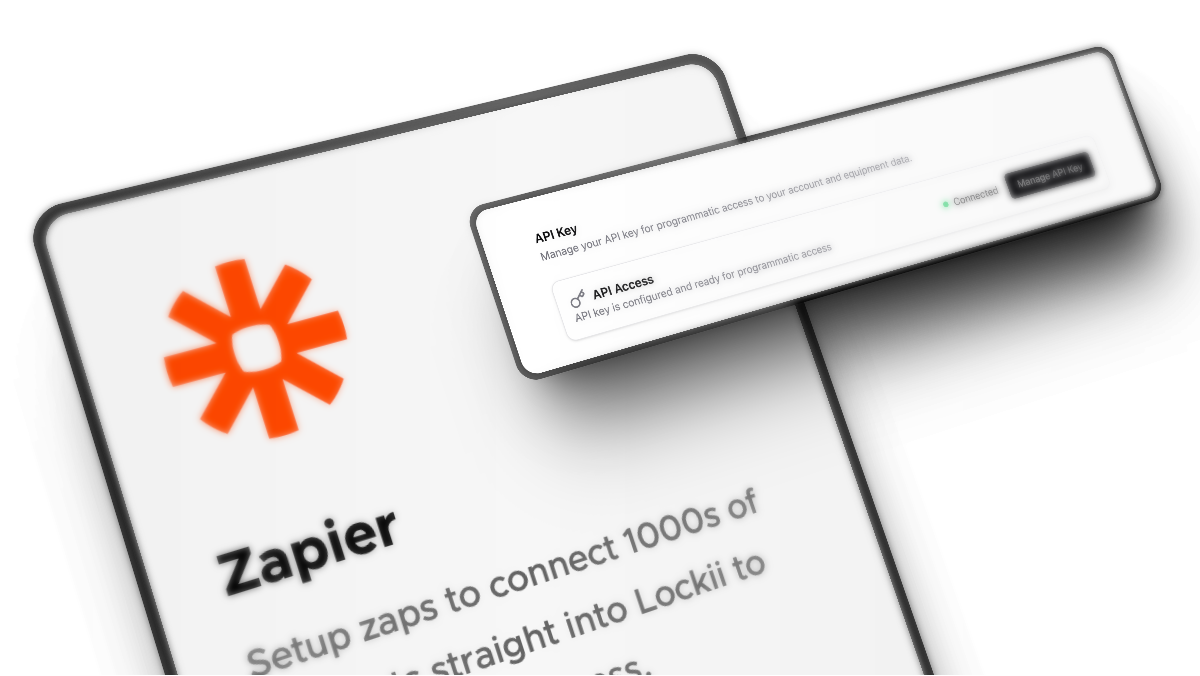
  2. To connect Zapier you’ll need to regenerate your API Key, go to Settings > Integrations > API and regenerate your key.

    Keep this key safe as it allows access to your account.

  3. Create a Zap with the Lockii Integration

  4. You’re good to go!

If you would like more data on our triggers or more actions made available please reach out, we're still scoping exactly what our customers would like to gain from this integration!

PrevConnecting iglooHome Locks
NextConnecting Insurance Verification
Was this helpful?