↵Open
Lockii changelog
Ctrl-Z, Custom Pickup steps & more.
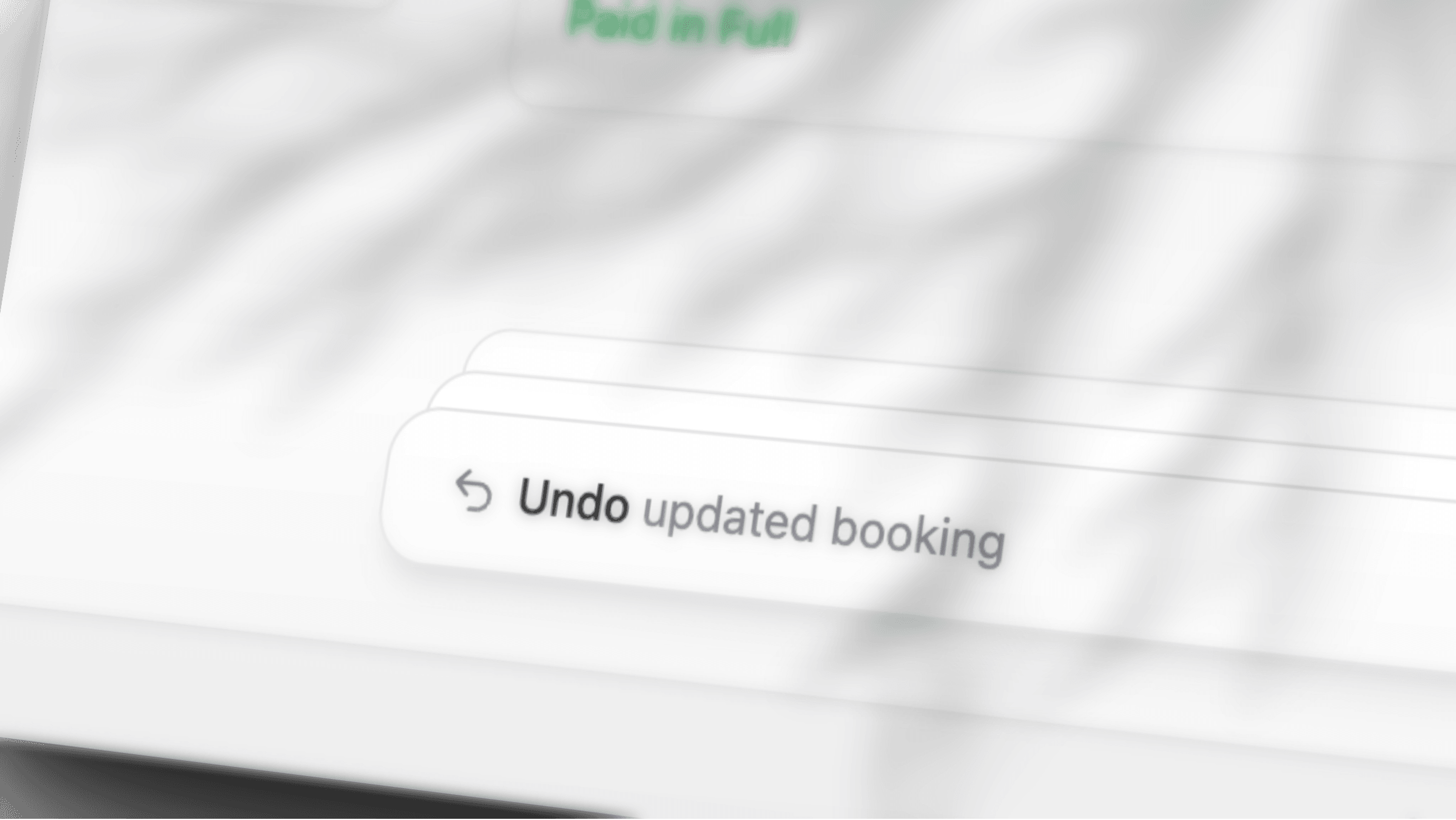
Never fear, UNDO is here! We’ve also now enabled customizing more of the pickup experience for individual products.
Undo
We're launching full support for Ctrl-Z throughout the Lockii dashboard, with a few small exceptions for actions like payments and emails, which can't really be undone after sending. We've built this feature because we think Control Z gives everyone a safer experience and makes experimenting with new features in Lockii a little less scary. Rental systems have long missed this feature and we think it's part of the reason why changing things can be so scary. It's one of our most technically complex features we've ever built so if you're interested in a little bit more of a breakdown, we've included a technical blog below with details on how we pulled off, what's commonly known as one of the most complicated things to do in web applications.
Press Ctrl+Z (Cmd+Z on a Mac). Shift, or Ctrl+Y / Cmd+Y, redoes it. The toast says Undo or Redo, then the change. If a teammate edited the same thing since, the toast is Can't undo — changed by someone else.
The website editor keeps its own History. Payments, refunds, sent emails and texts, and lock commands stay as they are.
Staff copies of customer email
On an email template, the footer has BCC Staff. The switch starts off. SMS and push templates do not have it.
When it is on, Lockii also emails your company contact address. If that address is missing, or it is the customer's address, the copy goes to the account owners. The subject starts with Copy: and includes the booking number. A note at the top names the customer, the booking, the location, the items, and the hire times.
Pickup steps
Settings → Booking Flow treats a pickup video and pickup instructions as steps, the same way as questions and photos.
Pickup video. Click +, then set Video title and Video URL. YouTube, Vimeo, and a direct video file all work. Add more than one. Customers watch each video before questions and photos.
Pickup instructions. The booking flow still holds 4. Use
{{code}}for the lock code.On a product, the sidebar field is Flow steps. A video or instruction there is for that product only, and it runs after the company-wide steps.
On the products list, select the rows and open Actions → Add flow steps.
Website
The Website page menu has Edit custom code, Copy live URL, and Reset website template.
Custom code is HTML or JavaScript that runs in the visitor's browser when the site loads. Styles still has the same editor.
Reset website template puts pages, navigation, and the theme back to the starter template. The confirm button is Reset template.
Fixes
Extending a booking keeps the whole hire inside Booking Length, measured from the original pickup.
The customer sign-in code email is on
Settings → Language. The subject default is Your {company} sign-in code.The field you are editing has a heavier outline.
Technical Details: Why Ctrl-Z on the Web Is So Hard
You might already be familiar with the fact that most of Lockii’s admin platform runs on a highly tuned, real-time sync engine. It’s part of the reason Lockii is so damn fast, and it comes back to one of the core tenets we founded Lockii on: it’s 2026, loading screens shouldn’t exist anymore.
When we first started building Lockii, we planned to introduce universal Undo support across the entire platform. However, it’s only now that we’re finally rolling it out. So, why?
Well, it turns out it’s not as easy as pressing Ctrl-Z and letting Microsoft do all the hard work.
Lockii is inherently collaborative and real-time. A single change to a booking can kick off as many as 20 different workflows, from emails and webhooks to scheduled automations and updates in external platforms. Meanwhile, another member of your team could be making changes to that very same booking.
Hitting Ctrl-Z doesn’t just change a text field back to its previous value. It needs to intelligently reverse a change without overwriting someone else’s work or compromising the integrity of the system. Think of it like trying to turn an oil tanker on a dime.
But we like tough problems. We also think the absence of Ctrl-Z across much of the web is part of the reason people find web-based software so brittle and risky to interact with. Making a mistake shouldn’t be something you’re afraid of.
We’ve built our Undo system around the principles of CRDTs (Conflict-free Replicated Data Types). In human speak, it’s a way of structuring and reconciling changes across multiple users and devices without introducing conflicts.
Rather than simply winding back the clock, we treat an undo as a new change that reverses the original operation. This allows us to propagate undo commands through our existing sync engine, respecting concurrent changes and the current state of the system.
All in real time, without loading screens, and without causing… well, chaos.