
↵Open
Lockii changelog
Bring your rentals to ChatGPT!
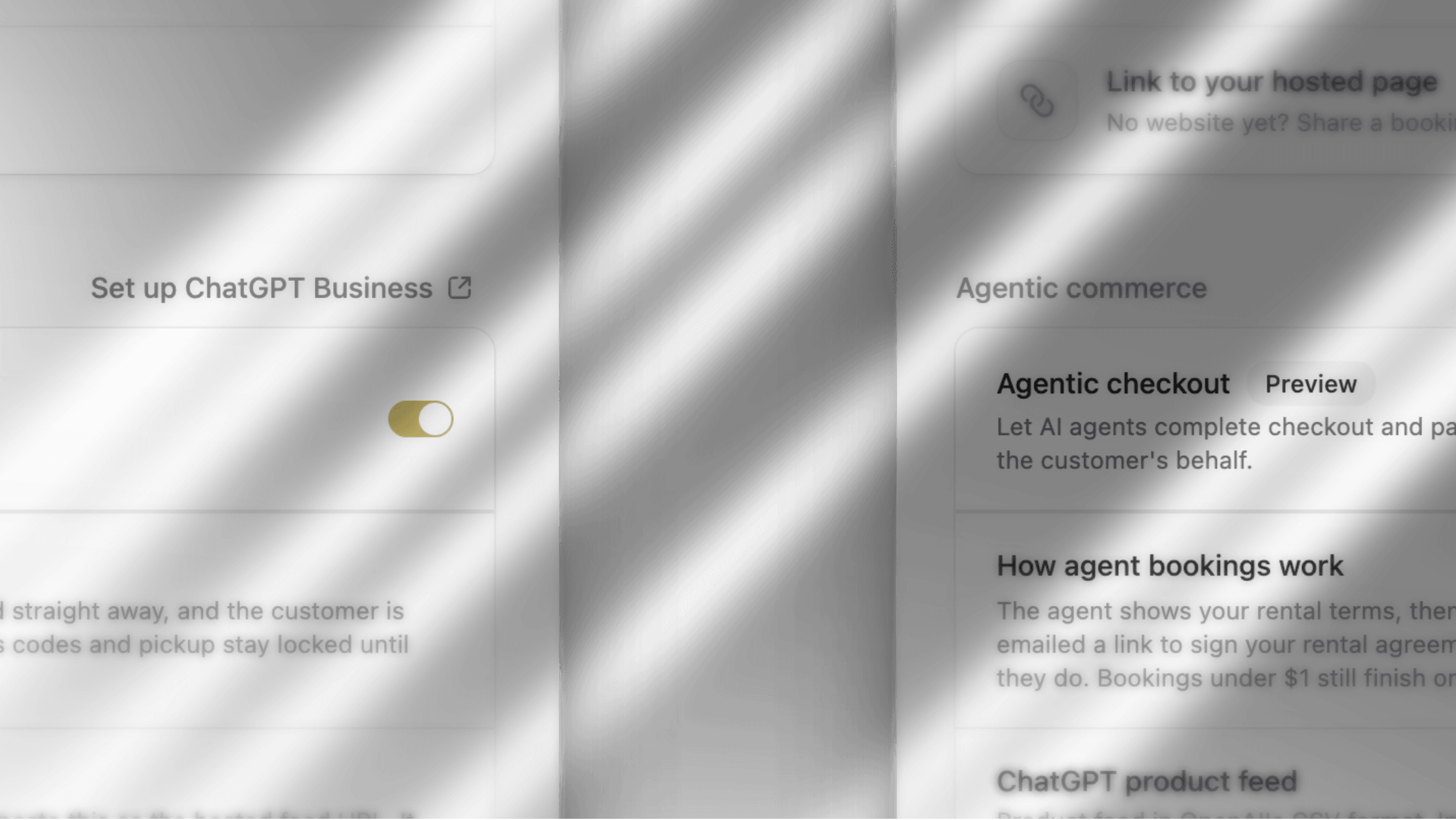
Our early commitment to agentic checkout has come in handy with the launch of Businesses in ChatGPT!
OpenAI now allows businesses to claim their profiles, share product information and help customers discover their offerings directly through ChatGPT.
What is it?
Businesses in ChatGPT lets you manage how your rental business appears when customers search for products and services. By connecting your Lockii product feed, you can help ChatGPT discover your rental products, including their descriptions, pricing and availability.
How do you set it up?
Head to Businesses in ChatGPT and claim your business.
Complete OpenAI's business verification process.
Connect your Lockii product feed to share your rental catalogue with ChatGPT automatically
Where eligible, configure your Business Agent to answer customer questions about your products and services.
As of our release a few months ago Lockii enabled full support for agentic commerce and booking but we’ve also been expanding our list of supported product catalogues including Stripes discovery feeds and more!
Fun fact, if you’re one of the many people around the world using agents like instinct to buy and book things, enable agentic checkout in Lockii under Settings > Websites and ask your agent to book you a trailer!
Agentic commerce
Settings → Website & Embeds has Agentic commerce, marked Preview. Global Search finds it as Setup Agentic Commerce & ChatGPT.
Agentic checkout lets an AI assistant pay the booking total with Stripe. Connect Stripe in Payments first. Turning it on looks up your Stripe Profile. If Stripe has not set one up, Lockii asks you to turn it on in the Stripe Dashboard under Settings → Stripe Profile.
While it is off, assistants send the customer a link to finish on your website.
The assistant shows your rental terms, then pays. The booking confirms, and the customer is emailed a link to sign the rental agreement and finish any ID or insurance checks. Access codes and pickup stay locked until they do.
ChatGPT product feed, UCP profile, and Store MCP server are links on your website address. They go live when you publish. Set up ChatGPT Business opens ChatGPT Business Hub. Paste the product feed there as the hosted feed URL, you can use this same product feed to run chatGPT ads and more.
Those bookings show as AI Agent under Booking Sources on Booking Analysis.
Website & Embeds
The top of the page is Pick an integration.
Edit your Lockii website, or Set up your website in Lockii if you do not have pages yet.
Embed Lockii into your site is where the Base Embed Script and the widget snippets live.
Link to your hosted page is the booking page Lockii hosts for you.
Communications
On a communication plan, Only if → Booking Addons has Exists. True matches a booking that has any add-on. False matches a booking with none. Includes and Does Not Include still pick one add-on.
Website
A Separator can sit in a ticker, between the scrolling items.
A product quick look shows the formatted description. A button on a product card follows that product.
Pasted rich text keeps ordinary formatting, such as font size and alignment.
Custom sections draw in the website canvas, including nested blocks.
Pages load the photo size they show, send review quotes only to pages that print them (the 10 newest per location), and custom sections no longer open a full screen tall before they settle.
If you’ve made it this far, Thanks For Reading.
Over the last 2 months Lockii has once again doubled our customer base, we’re incredibly grateful to have you onboard, and to help scale up your businesses.
As always, we Really want to hear from you. Please keep the feedback, ideas and everything in between coming, it helps us shape Lockii into the product you need it to be.