
Lockii changelog
Quality & Contracts
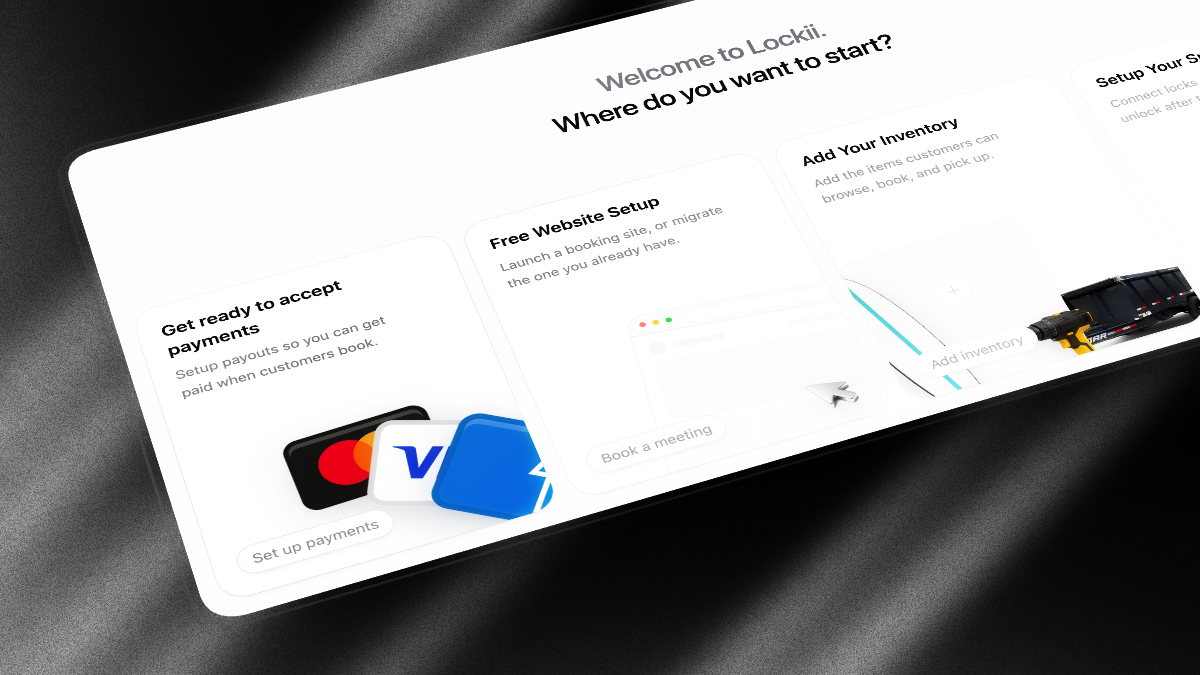
This release adds a maintenance hub for fleet service, a dedicated customer pickup flow, and optional rental agreement signatures at checkout.
Maintenance
A new Maintenance section in the sidebar shows fleet health, open work orders, and stock that needs attention.
Work orders - Create and manage service jobs with dates, priority, assignee, notes, and photos. Blocked dates automatically keep units out of availability.
Fleet Health - See which stock is hard down, soft down, or has open issues, filter by location or product, and report new issues from one screen. Hard down counts, open work orders, and due-soon parts sit on the maintenance home page.
Mobile maintenance - The Lockii mobile app has a Maintenance tab to browse, filter, create, and complete work orders from the field.
Work order urgency - Open work orders sort by urgency so the jobs that need attention appear first.
Missing maintenance setup - When maintenance is on, Maintenance shows a banner for new stock that still needs parts set up.
Order stock by issues - Sort fleet lists around reported issues and what needs attention, not only name or due date.
Customer Pickup
Customers now move to a focused pickup page when they tap Start Pickup, instead of doing every step on the confirmation screen.
Pickup instructions - Add up to four guided steps in Settings → Booking Flow to help customers find the unit, open a gate, or use a keypad. Use
{{code}}to show the lock code inside a step.Pickup video in Booking Flow - Required pickup videos now live alongside your other pickup settings in Settings → Booking Flow, with support for YouTube, Vimeo, and direct video links.
Clearer pickup order - When enabled, customers watch any required video, follow pickup instructions, then complete questions and photos before Lockii reveals the lock code.
Contracts and Checkout
Signature acceptance at checkout - Under Settings → Contracts, choose Signature instead of the default checkbox. Customers open your full rental agreement, type their name or draw a signature, and tap Sign & Accept before paying. Lockii stores the signature on the booking and includes it in the terms proof PDF.
Contracts settings tab - Terms, privacy policy, cancellation policy, and acceptance method now live under Settings → Contracts instead of Booking Policies. Your existing legal copy carries over automatically.
Clearer checkout errors - Field errors now appear directly under the relevant input and scroll into view, so customers can fix mistakes without searching for a generic message at the top of the page.
Flexible coupon codes - Customers can enter a promo code with spaces, hyphens, or mixed case.
SAVE-10,save 10, andSAVE10all match the same coupon. Lockii normalises codes the same way when you create them in Settings → Pricing Details.
Communications
Refreshed email design - Customer booking emails and staff inbox notifications use an updated layout that is easier to read on mobile. No changes needed to your communication plans.
Your address in email footers - Customer-facing booking emails, identity verification requests, and licence upload links now show your Business address from Company Details. Customers see your company name and location instead of a generic platform address.
Regional time formats - Settings → Company Details now includes 14h30 (France and French Belgium), 14.30 (Netherlands), and 14u30 (Belgium), alongside 12-hour and 14:30. Hire times in emails and on customer pages follow this setting.
Location details in emails - Communication plans can use
{{location.address_multiline}}to print the pickup address on separate lines, plus{{location.google_maps_link}}and{{location.apple_maps_link}}as button URLs for directions.Longer language labels - Short customer-facing phrases in Settings → Language now allow at least 18 characters, so translations of labels like Book Now are not cut off.
Welcome emails - New Lockii signups receive a welcome email with dashboard links and onboarding. Incomplete signups get a reminder to finish company setup.
One-off messages - Send a one-off email or SMS for a booking from the booking page. While editing a communication, Send test delivers a preview to you before customers see it.
Sign-in and Accounts
Select your company on sign-in - If your login belongs to more than one company, Lockii now shows a company picker after you sign in. Single-company accounts still open automatically.
Create another company - From the company picker, choose Create a new company to add another business under the same login.
Smoother new account setup - Brand-new logins without a company go straight to company setup instead of landing on a loading dashboard.
Homepage hints after signup - New accounts see guided empty states on Bookings, Stock, and similar pages, with a short next step instead of a blank table.
Staff Tools
Ask Lockii for everyone - The in-app Ask Lockii assistant is now available to all staff in the web app. Open it from the bottom bar for help with bookings, customers, and day-to-day tasks.
Ask Lockii opens the right page - For where-is questions, it can take you to the matching admin screen and search Lockii help docs instead of listing Settings steps. If something needs the Lockii team, it can file a ticket after you confirm.
Stock labels in Ask Lockii - Refer to units by the label customers see (
BK-1,stock1) when looking up, updating, or deleting stock.Attach files in Ask Lockii - Drop a screenshot or document into the chat on web. The mobile app can open or copy the record Ask Lockii points at.
Customer support times and returns - The customer-facing assistant shows hire times in your timezone. If a renter already returned, cannot finish drop-off, or is still getting overdue texts, the chat hands off to staff instead of looping.
Issue reports without maintenance parts - Customers can still log an equipment issue on a hire when the unit has no maintenance parts set up.
Faster verification link sharing - When you generate an identity or insurance verification link from a customer profile in the mobile app, Lockii copies the link and opens the share sheet so you can text or email it immediately.
Full change-request values on mobile - Tapping a truncated change-request field on mobile shows the full value.
Fixes
More reliable late charges - Automatic overdue extensions now skip duplicate charge attempts when the booking hold has not moved forward, and clear correctly when staff edit dates or a return completes.
Clearer verification errors - The mobile app now shows the server error message when it can't generate a verification link.
Pickup photo retries - Customer pickup and return photo uploads continue retrying on slow connections so fewer customers get stuck mid-flow.
Full-width text inputs - Message boxes in Ask Lockii, staff support chat, location notes, and customer language customisation now stretch to the full width of their container.
Utilisation spelling - Dashboard and widget labels now use the correct utilisation spelling.
Google location search - Address lookup is less likely to fail when Google rate-limits location searching.