
Lockii changelog
Navigation Overhaul & Marketplace Imports
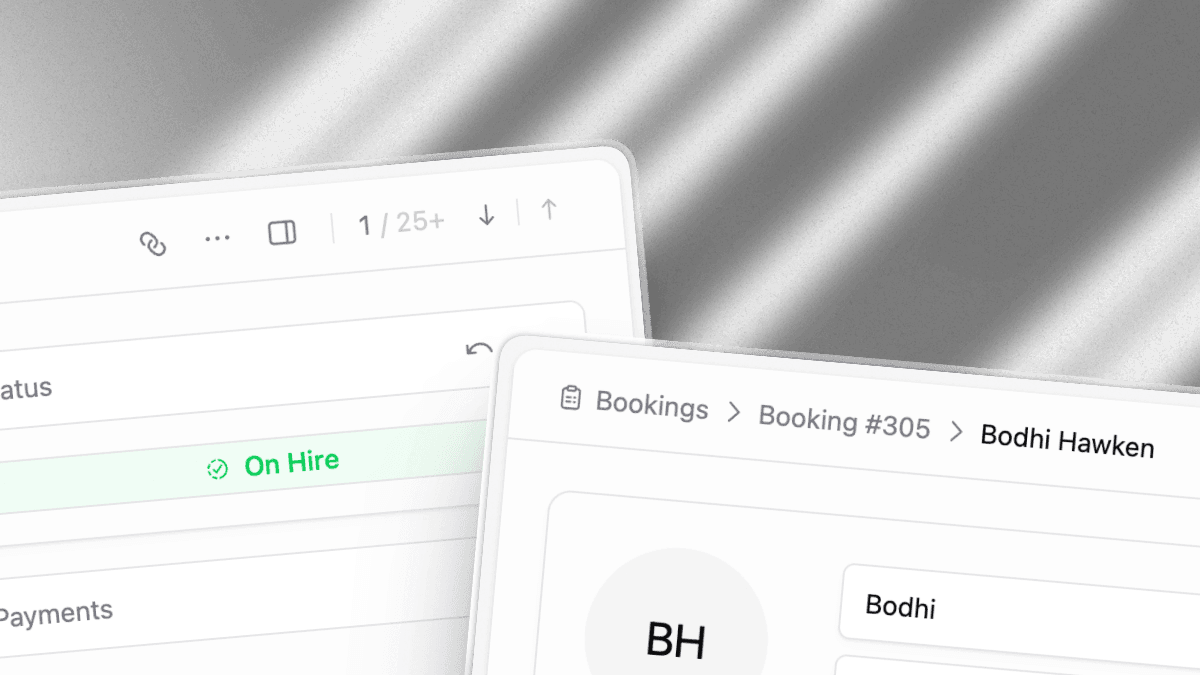
This weekend we’re releasing a quick quality update.
Lockii has grown extremely fast over the past few months, so we make sure to dedicate a few days after every development cycle to “Quick Wins & Quality”, this week we’ve focused on design and navigation as well as features to reduce some of the most repetitive jobs our operators do on a more infrequent basis.
Navigation Improvements
We spent the weekend obsessing over navigation throughout Lockii with an eye to cutting down clicks and visual noise on important pages, especially for operators with higher booking volumes. You’ll notice improved breadcrumbs on every surface as well as better quick navigation prompts where relevant to help you jump between bookings.
We also did another design pass on all our important components including our icon library and spacing library. You should see minor but meaningful changes to icons through the entire backend along with spacing throughout the backend being standardized even further!
You’ll also find improvements to the information hierarchy on every single one of our pages. We’ve also spent some time on our filtering system making sure that filters stay when you expect them to, and clear in a more intuitive way!
Marketplace Importer
You can now import bookings directly from external marketplaces instead of recreating them by hand. The importer pulls in customer details, products, locations and pickup and return dates cutting down the time it takes to bring bookings onto the platform.
For marketplaces we don’t have direct integrations with simply setup email auto forwarding for the relevant sender addresses to your Lockii account and we’ll auto import all the relevant details before handing them over to you for review.
Smart Payments Recovery
As part of our latest partnership with Stripe we’ve expanded our payments charging system to support revenue recovery. when saved cards reject charges, we use a machine learning model trained on millions of payments to help inform when charging a customers card will be most successful and attempt new charges until the payment succeeds, or the bank directs us to stop attempting recovery.
Pricing & Product Details
Pricing tier displays and the customer pricing tier overlay are clearer and easier to read. Pickup and return steps can now be set per item, and minimum age requirements can be configured per listing. Also added the ability to configure pickup and return steps on a per product basis.
ID Verification & Insurance
Improved the ID collection flow for clearer guidance and fewer drop-offs
Added insurance verification support to the mobile app
Account & Reviews
Reworked login and logout UI for a cleaner, more consistent flow
Introduced a new reviews experience
Fixes
Fixed data loss when navigating away from a form before saving
Improvements to the google analytics data layer and custom tracked events
Downloaded images now include a .jpg extension for easier import into other platforms
Fixed oversized upload titles, an ugly "more instructions" button, and order terms wrapping below order details on mobile
Enlarged the "Try again" and "Contact" buttons for easier tapping on failure states.
Cleaned up customer-facing icon alignment and general layout alignment issues across the app
Addressed several mobile UI issues and refreshed a set of icons for better readability.
Improved product and stock editing.
Updated Stock page to be formatted better for managing stock than managing products.
raised the max image limit with safety warnings.
Improved payment method saving as well as saved account customer ID recovery.
Improved the pricing tier overlays
UI simplification on most of our tables and charts to make it easier to discover current statuses.
Refined bookings page fonts and text sizes.
Simplified customer table text sizes.
Standardized icon placement and gaps on all user facing tables.